How to Create a Rack Elevation Diagram
A rack elevation diagram is a U-by-U front (and often back) view of what mounts in a rack before install day.
To create one in RackBuilder, choose a rack height, place catalog devices on the live canvas, and review the layout; you can also open a ready-made network elevation template.
Guest work survives reload, and signed-in users get cloud sync for saved designs.
Prefer a ready-made starting point?
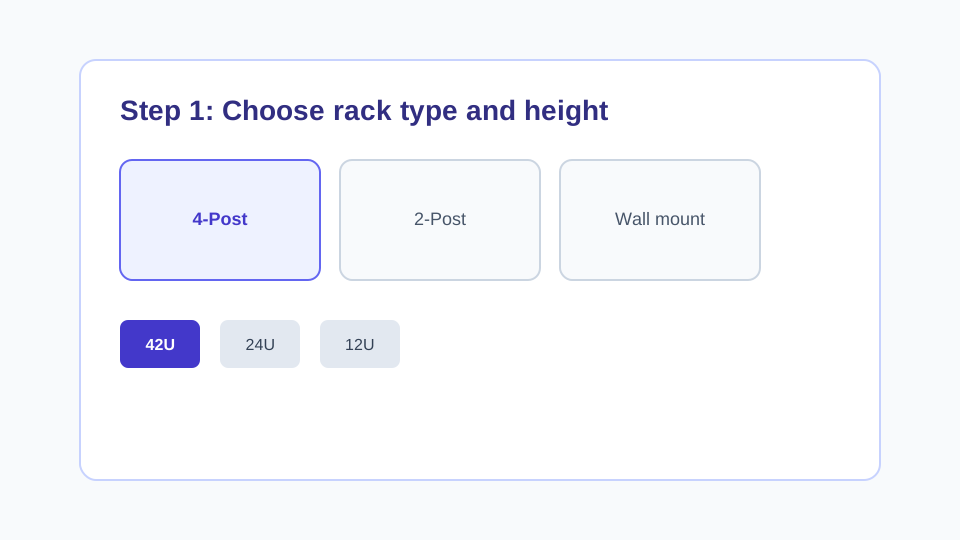
1. Choose rack type and height
Open the RackBuilder designer and pick a rack form factor plus height (for example 24U or 42U). Leave spare U for growth instead of packing every slot on day one.
2. Add devices from the library
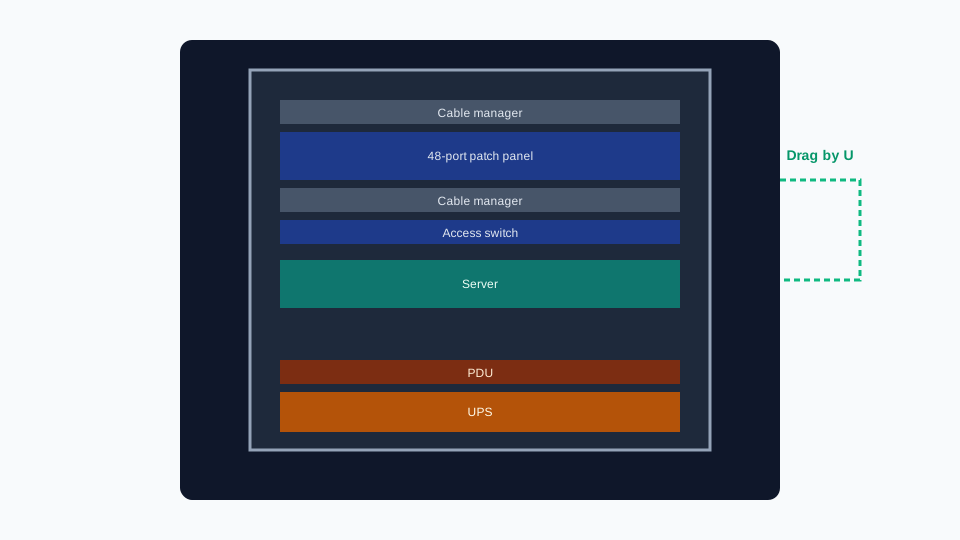
Browse the device library and add switches, patch panels, cable managers, servers, PDUs, and UPS units by U height. Library adds are blocked when the rack has no free U left for that device height.

3. Arrange the elevation by U
Drag devices on the canvas to settle U positions. Keep dense switches next to the panels they feed, place heavier power gear lower, and use blanking panels in open U. RackBuilder does not store chassis weights, so check vendor weight totals outside the tool.
4. Review front and back, then save
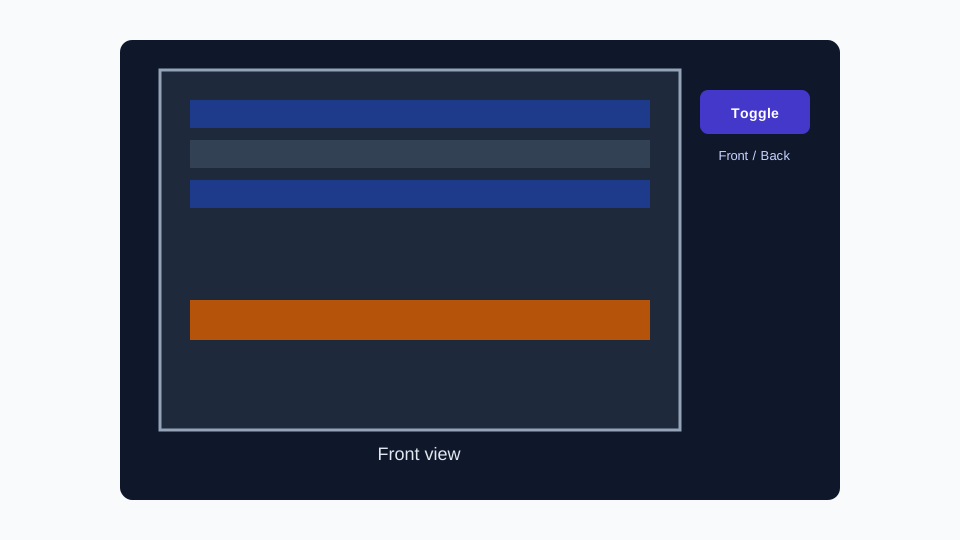
Toggle front and back view to review the elevation. Guest work survives reload in the browser. Sign in for cloud sync. Free accounts can save up to three designs; each saved design holds one rack.
Start from the example template
The example network elevation loads a static 42U layout from the existing device library into /designer. Edit devices, rearrange U positions, and save when you are ready. Free accounts can keep up to three saved designs; Pro unlocks unlimited saved designs.
Related guide
For switch, patch panel, and cable-manager planning specifics, read How to Design a Network Rack.
FAQ
What is a rack elevation diagram?
A rack elevation diagram is a front (and often back) view of a rack that shows which devices occupy each U. It is a planning document for install day, not a live monitoring view.
How do I make a rack elevation diagram in RackBuilder?
Open the designer, choose a rack type and height, add devices from the library by U, and arrange them on the live canvas. You can start from a ready-made network elevation template. Guest work survives reload; signed-in users get cloud sync for saved designs.
Can I download the elevation as a standalone file?
Not today. Plan and review the elevation in the browser designer, then capture install notes in your own docs if you need a file outside the tool.
Can I start from a template instead of a blank rack?
Yes. Open the example network elevation in the designer to load a static 42U layout built from the existing device library. Edit it like any other design. Each saved design holds one rack.
Is RackBuilder the same as traditional rack drafting tools?
No. RackBuilder is a browser U-elevation planner. It does not produce CAD drawings, scale drawings, manufacturing drawings, or Visio stencils, and it does not auto-generate elevations from an inventory feed.
Next step
Open the ready-made template or start a blank rack elevation in the designer.